Ready to Create Your First Digital Product... But Have No Idea Where to Start?
Learn Canva, customize ready-made templates, and turn your ideas into digital products you can make your own—and sell again and again.
You don't need to be a designer. You don't need years of experience. And you definitely don't need to have everything figured out.
You just need a place to begin.
What If You Could Create a Digital Product Once...
and Sell It Over and Over Again?
Imagine creating an ebook, workbook, planner, guide, journal, checklist, course resource, or another helpful digital product that doesn't require inventory, shipping boxes, or starting over every time someone buys.
You create it once.
You make it available online.
And it has the potential to sell again and again.
That's one of the things that makes digital products so exciting.
But there's usually one big question standing between the idea and actually doing it:
“Where do I even begin?”
That's exactly why I created
Lyn's Canva Starter Kit.
Instead of starting with a blank screen, you're getting the tools, training, and ready-to-customize templates that can help you take your idea and actually start creating.
Mix. Match. Duplicate. Customize. Rebrand.
Use individual pages from different templates to create products
for your own niche and audience too!
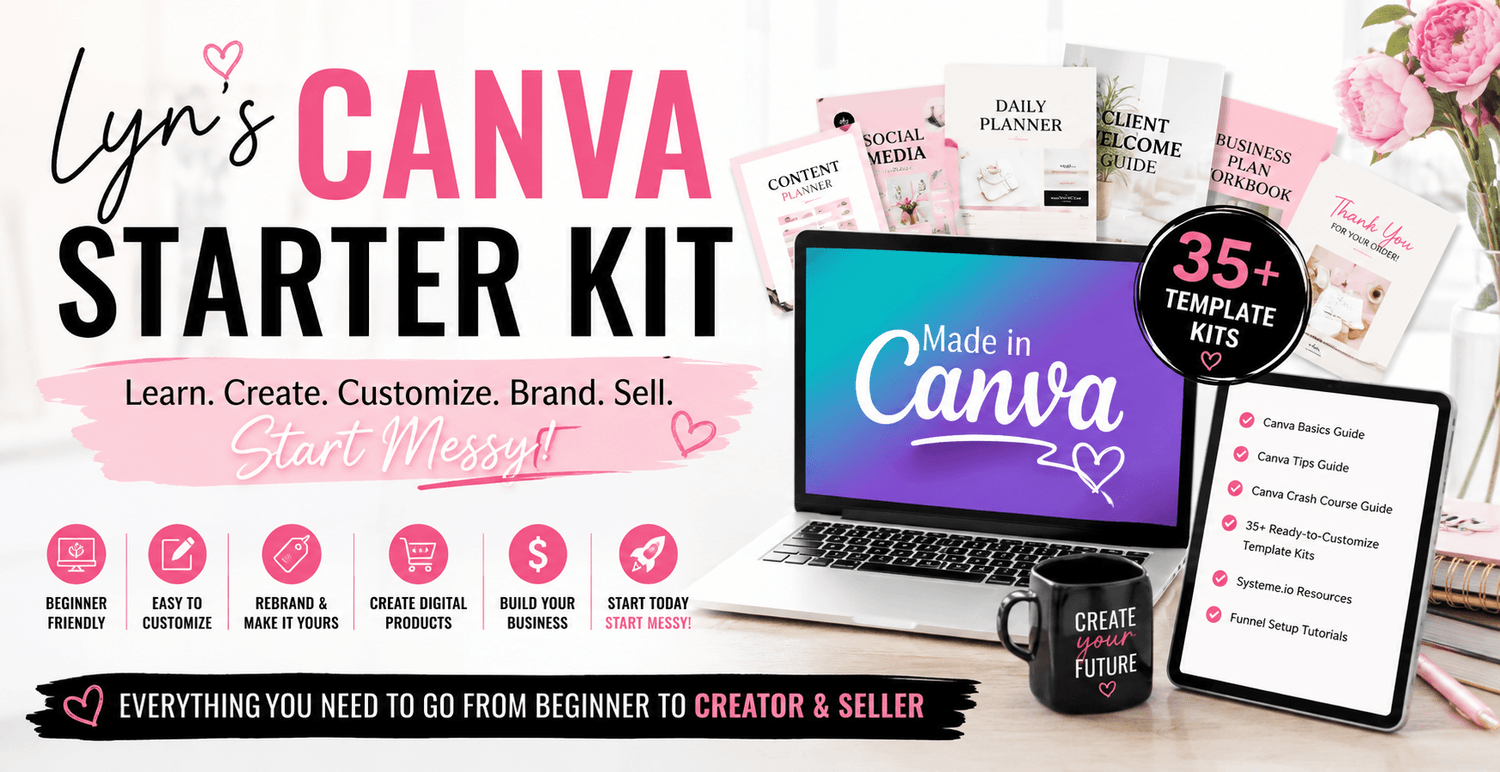
Here is what's included and I add more every month!
Small Business Planners
ADHD Planner
2027 Budget Planner
2027 Manifestation Journal
2027 Teacher Planner
24 MORE 2027 Editable Planners :)
2026 and 2027 Wedding Planner that includes all the fun stuff for weddings!
2027 Gratitude Journal
Sleep Improvement Planner/Journal
2026-2027 Gratitude Journal
Nutrition Coach IG Social Media Template
Fashion Social Media Templates
60 Pet Shop Social Media Templates
Yoga and Meditation Checklist
Yoga Planner
Lead Magnet E-books
Christmas Activity Books for Kids
Kindergarten Shapes Book
Mandala Coloring Book
And I add more monthly!
PLUS 3 GUIDES TO HELP YOU LEARN CANVA! :)
In This Course, You'll Learn How to Stop Overthinking and Start Creating
I'll help you get comfortable using Canva and show you how easy it can be to take an existing template, customize it with your own colors, fonts, content, images, and branding, and turn it into something that feels completely your own.
And with tools like ChatGPT helping you brainstorm ideas, organize content, write outlines, and develop your product, you don't have to figure out every piece by yourself.
You can simply take it
one step at a time.
STEP 1
LEARN
Get comfortable with Canva using my Canva Basics Guide, Canva Tips Guide, and Canva Crash Course Guide.
No design degree required. 😉
STEP 2
CHOOSE
Browse through your 35+ ready-to-customize Canva template kits and choose something you'd love to create.
No staring at a blank page wondering what to make.
STEP 3
CUSTOMIZE
Change the colors, fonts, images, branding, and content. Use Canva + ChatGPT to help develop your ideas and turn the template into a product created for your niche and audience.
Make it yours.
STEP 4
CREATE & SHARE
Finish your product, get it out into the world, and start learning how you can sell and deliver your digital products online.
Because eventually you have to stop tweaking...
…and hit PUBLISH. 😉
Go From “I Have No Idea Where to Start” to
“I MADE THIS!”
That's the transformation I want for you.
Not perfection.
Momentum.
I want you to go from watching other people create digital products and wondering if you could do it too...to opening Canva with confidence.
Choosing a template.
Making it your own.
Finishing something.
And having that moment when you look at your screen and realize:
“Wait...I actually created this.”
And once you've created one?
You'll realize how many other possibilities are sitting right in front of you.
One product can become another.
One skill can become a business.
And one messy first step can completely change what you believe you're capable of doing.
This Is For You If...
You're tired of constantly trading your time for money.
Whether you're working for yourself, working with clients, or working a traditional job, you know there are only so many hours in a day.
Digital products can give you another way to create income without recreating the work every single time you make a sale.
You're working a 9-to-5 but know you want something more.
Maybe you're not ready to leave your job—and you don't have to be.
You simply want to start building something that belongs to you.
You've tried—or thought about trying—every side hustle under the sun.
Affiliate marketing. Freelancing. Social media. Online businesses. Maybe you've researched so many possibilities that you've actually made it HARDER to decide where to start.
This gives you somewhere to begin.
You have knowledge, experience, hobbies, or ideas that could become a product.
You probably know more than you think you do.
Your experiences, skills, interests, and ideas can all become inspiration for helpful digital products.
You know creating something of your own could change things...but fear keeps getting in the way.
What if nobody buys it?
What if mine isn't good enough?
What if I don't know what I'm doing?
Here's the secret:
Nobody knows exactly what they're doing when they start.
You learn by doing.
Start With 35+ Ready-to-Customize Canva Template Kits PLUS 3 Guides
You don't have to create your first product from scratch.
I've already given you the starting point.
Inside Lyn's Canva Starter Kit, you'll receive:
35+ Ready-to-Customize Canva Template Kits PLUS 3 GUIDES
Start with professionally laid-out templates instead of a blank page.
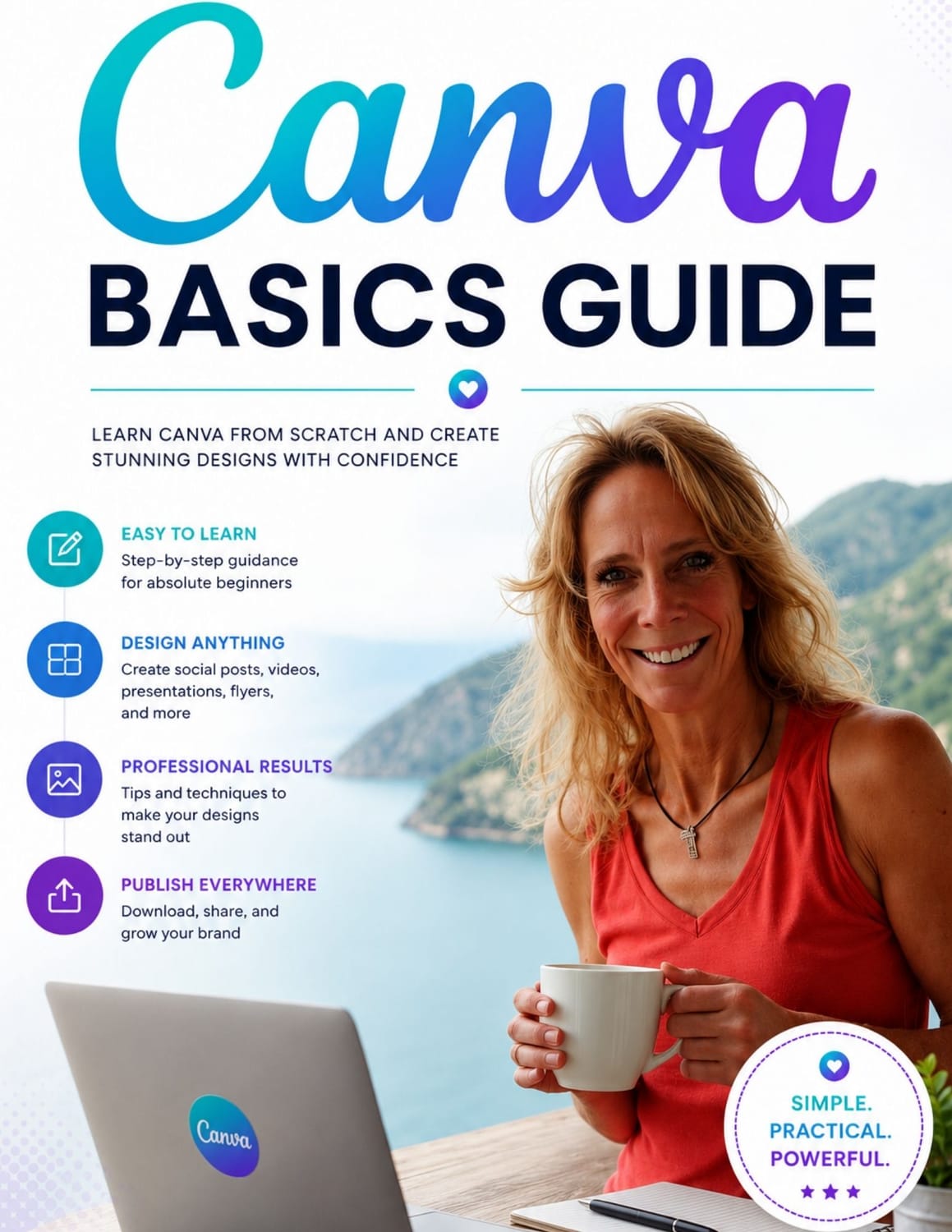
Canva Basics Guide
Learn the fundamentals and get comfortable navigating Canva.
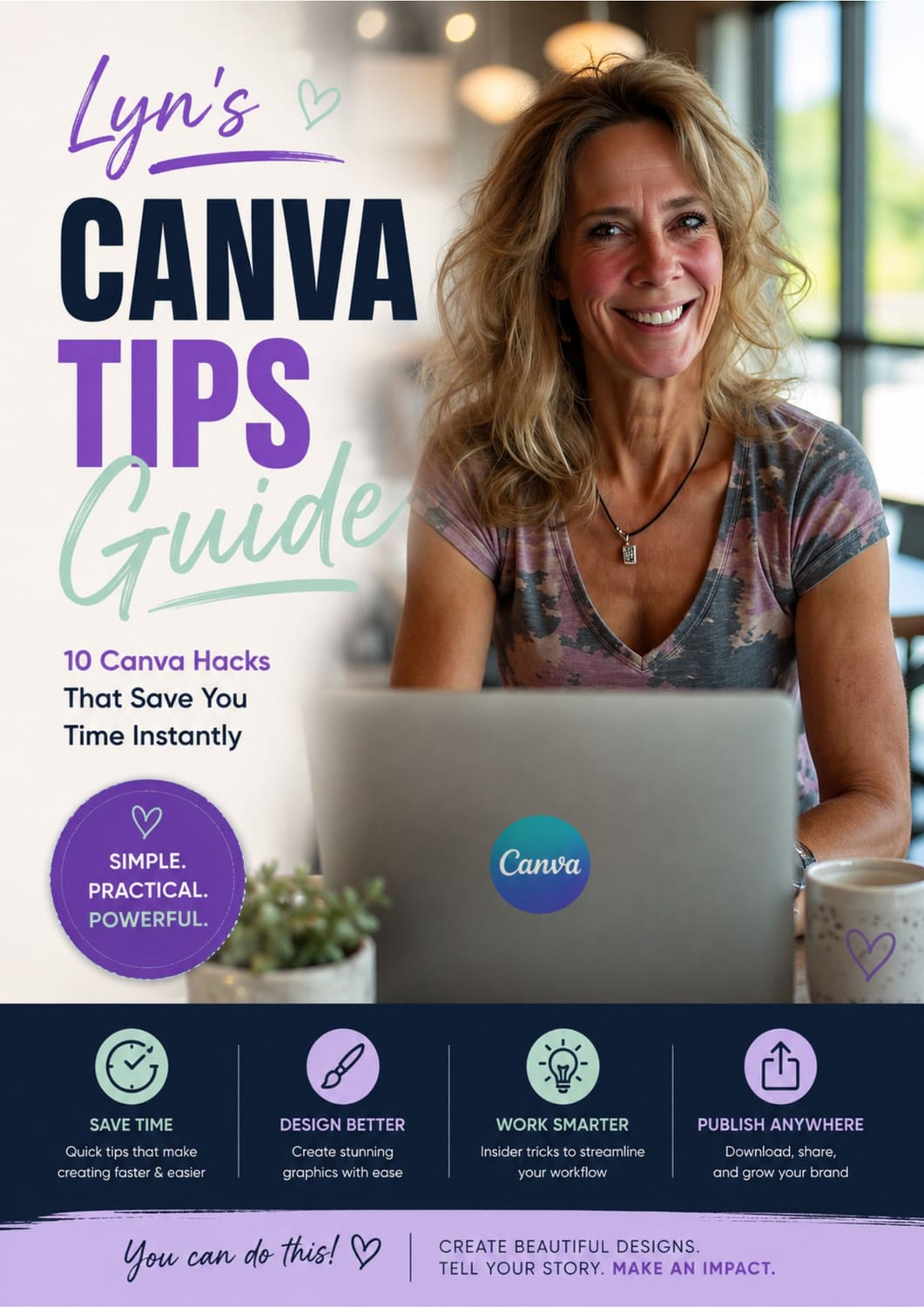
Canva Tips Guide
Discover helpful tricks, shortcuts, and ideas that make creating easier.
Including 10 Canva Hacks to save you time instantly!
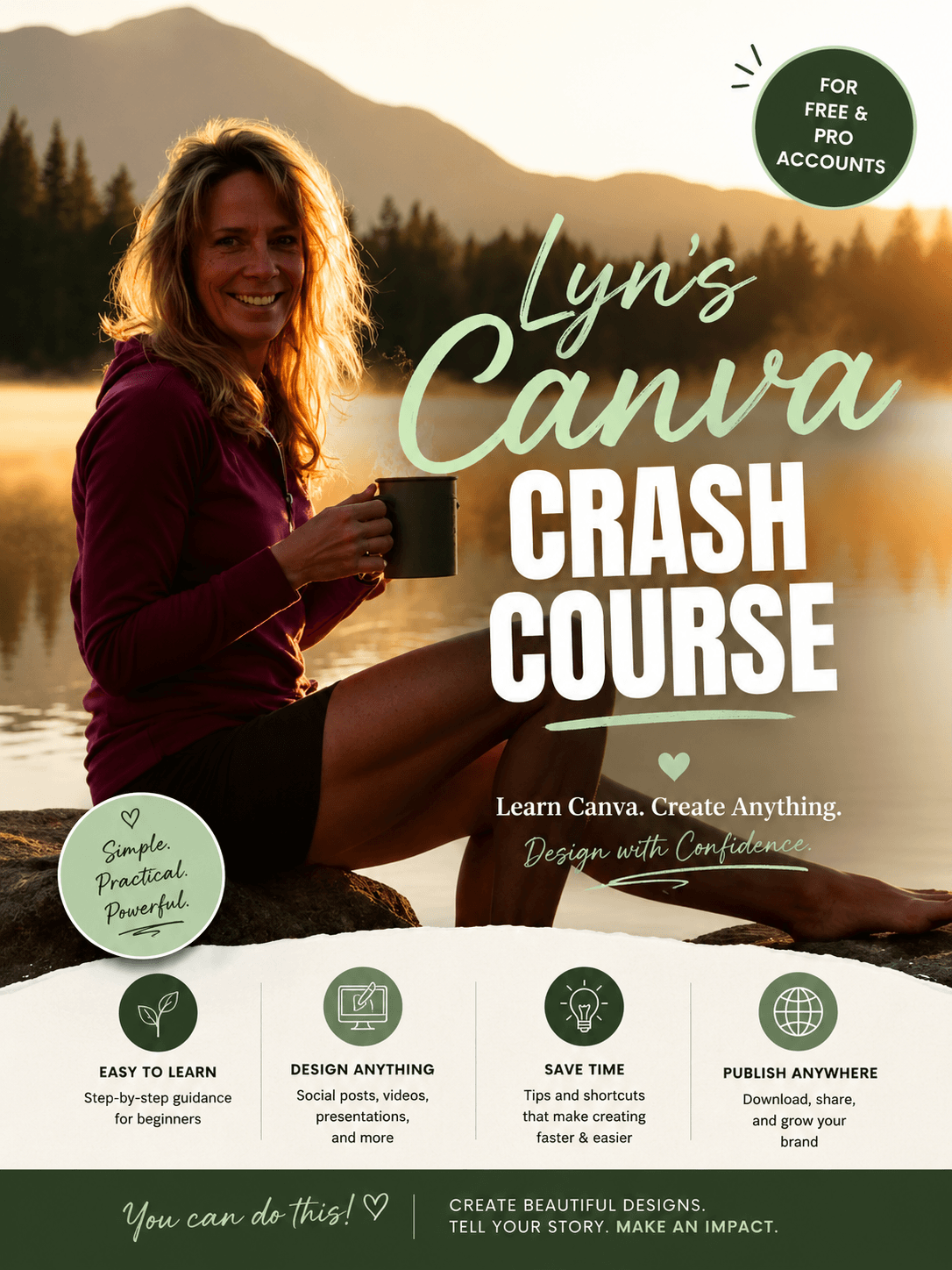
Canva Crash Course Guide
Discover helpful tricks, shortcuts, and ideas that make creating easier.
Easy to learn
Step-by-step guidance for beginners.
Design Anything
Social posts, videos, presentations and more
Save Time
Tips and shortcuts that make creating faster and easier
Publish Anywhere
Download, share, and grow your brand.
Canva + ChatGPT Possibilities
Learn how you can combine templates with AI to brainstorm ideas, organize content, and create products for your audience.
Resources to Help You Start Selling
When your product is ready, you'll also have resources and tutorials to help you understand how you can set up a funnel and begin selling online.
The Hardest Part Isn't Creating the Product.
It's Finally Deciding to Begin.
You could spend another six months watching videos.
Saving posts.
Researching side hustles.
Wondering which business you should start.
Waiting until you know more.
Or...
You could open Canva and create something.
It doesn't have to be perfect.
It doesn't have to be your million-dollar idea.
And you don't have to know where this journey will eventually take you.
You just have to take the first step.
Start with a template.
Follow the training.
Make it yours.
Finish what you start.
And even if that means you have to...
START MESSY. ❤️
Because messy and moving forward beats perfect and never started.
This site is not a part of the Facebook™ website or Facebook™ Inc. Additionally, this site is NOT endorsed by Facebook™ in any way.
FACEBOOK™ is a trademark of FACEBOOK™, Inc.
This is not a get rich program nor do we believe in overnight success. We believe in hard work, integrity, and developing skills if you want to earn more financially. As stipulated by law, we can not and do not make any guarantees about your ability to get results or earn any money with any of our products or services. The average person who buys any "how-to" information gets little to no results. Any references or examples used within the website are real and documented but are used strictly for example purposed only. Your results will vary and depend on many factors, including but not limited to your background, experience, and work ethic. All business entails risk as well as massive and consistent effort and action. If you're not willing to accept that, please DO NOT PURCHASE ANY PRODUCTS FROM US.